
your screenshots,
plus a photo where
you were.
Screengram pairs every screenshot with a photo of the room. One image, two realities — filed into a tiny private library that only you can see.
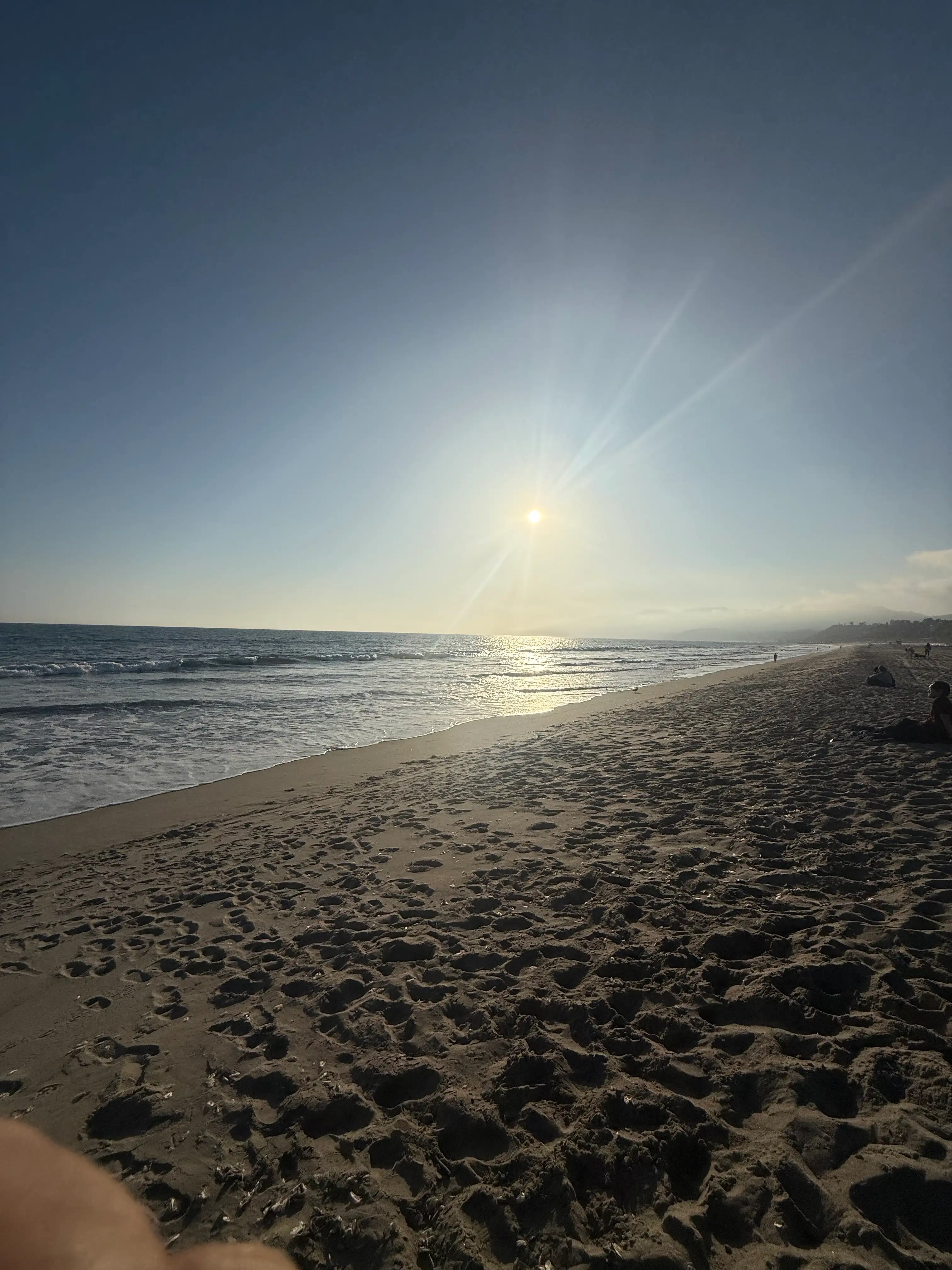
three taps, one weirdly honest photo.
screenshot anything.
A recipe. A map. The receipt for the thing you keep meaning to return. iOS does what it always does.
open screengram.
It already has the screenshot waiting. Tap GO — the back camera opens with the screenshot floating in the viewfinder.
frame the room. file it.
Drag the screenshot anywhere. Hit the shutter. Pick a layout. Now you have proof you were actually somewhere.
screenshot → pic → library.
It takes about eight seconds. We timed it.
screengram.
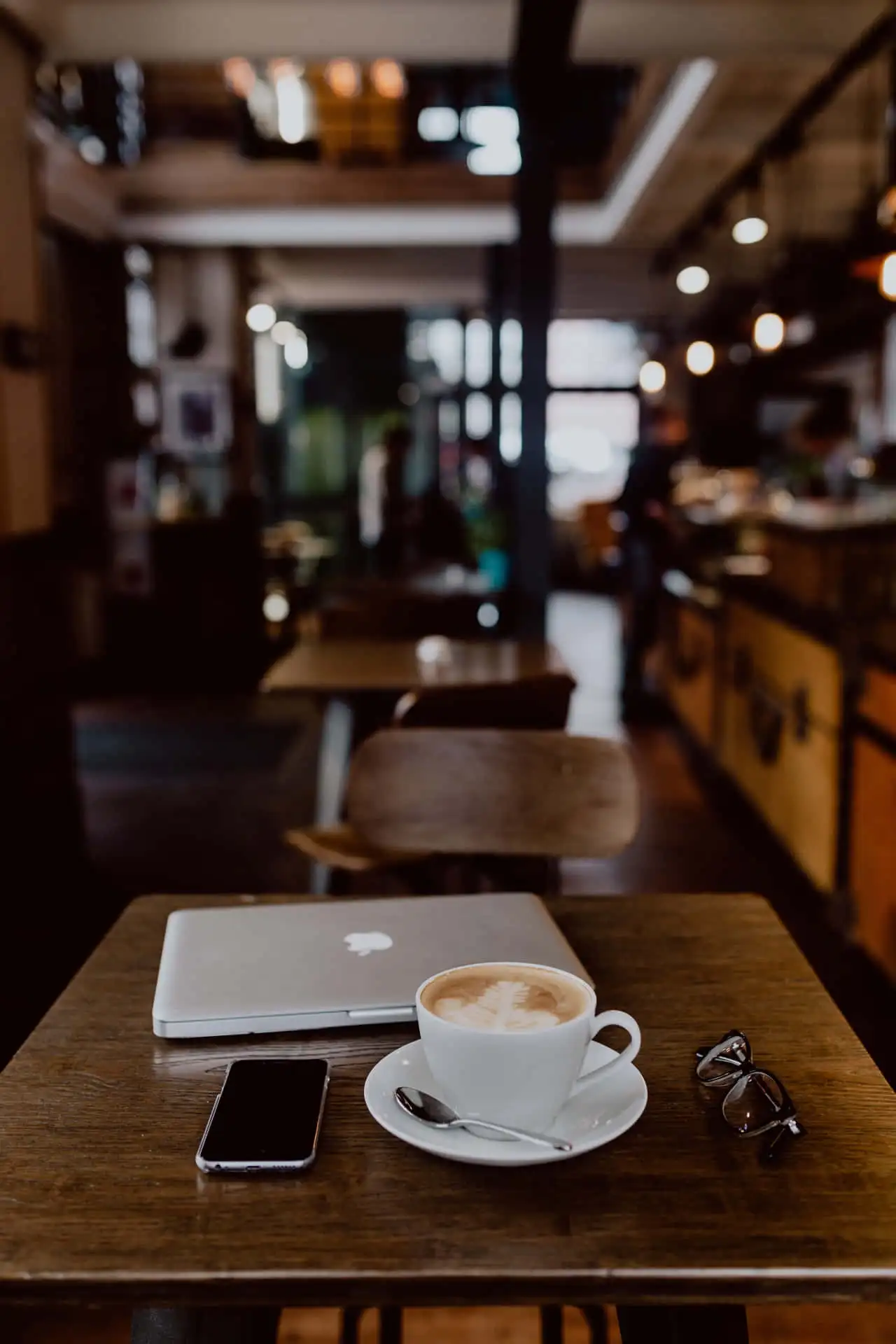

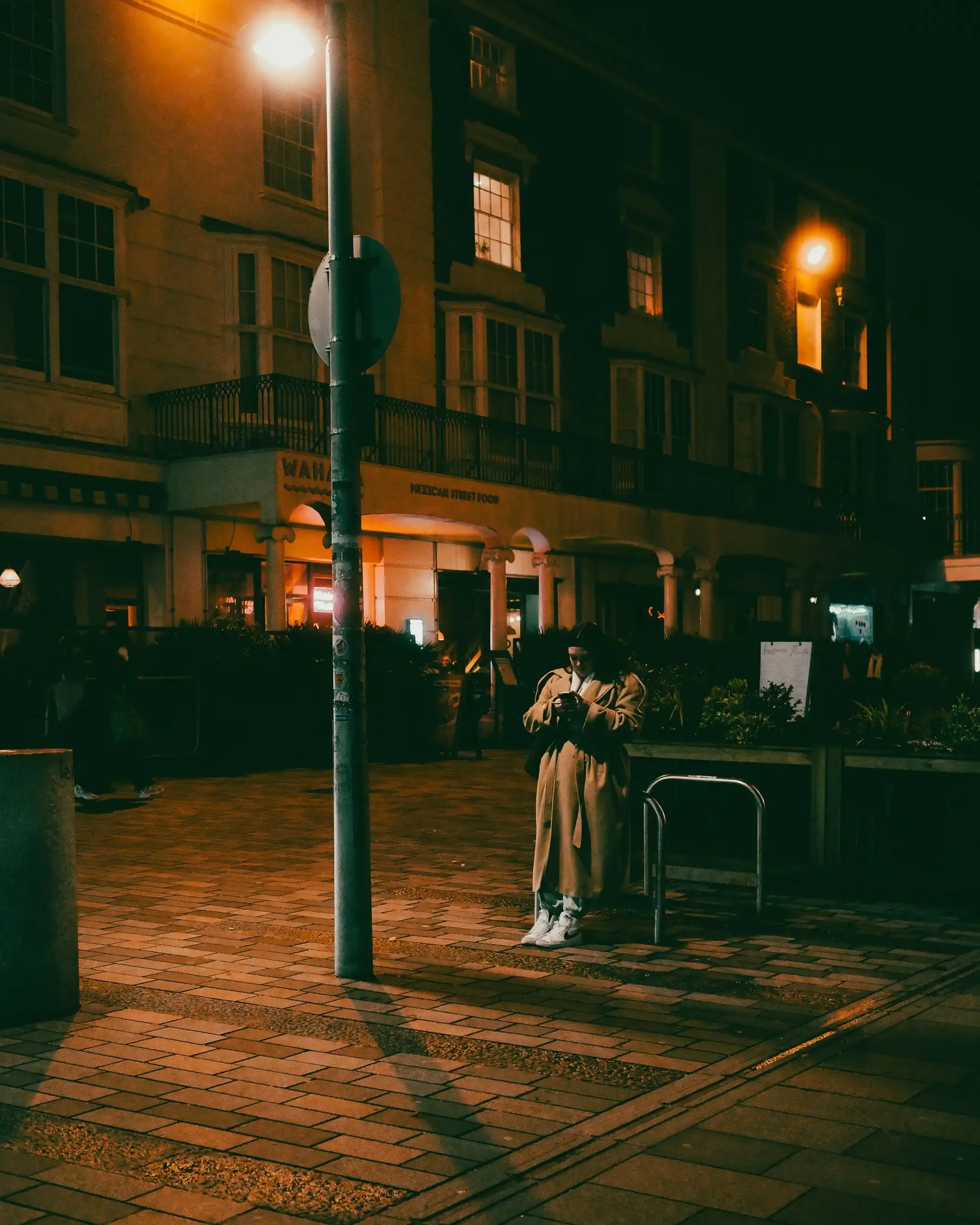
take a screenshot.
Anywhere on iOS — a recipe, a map, a tweet, a passage. Open Screengram. The Home screen already knows you took one.
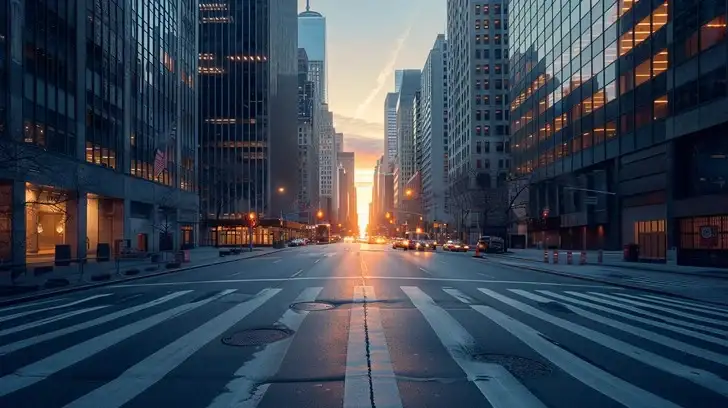
screen
+/−
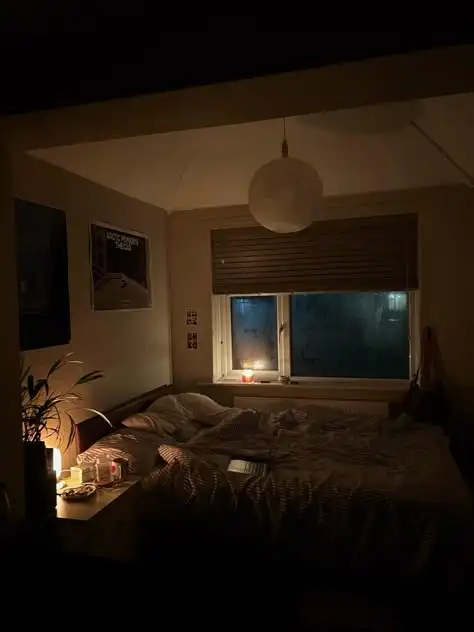
take a photo with the screenshot in it.
The back camera opens with a translucent overlay of the screenshot floating in the viewfinder. Drag it, pinch to resize, anchor to a corner. Frame the room. Tap the shutter.
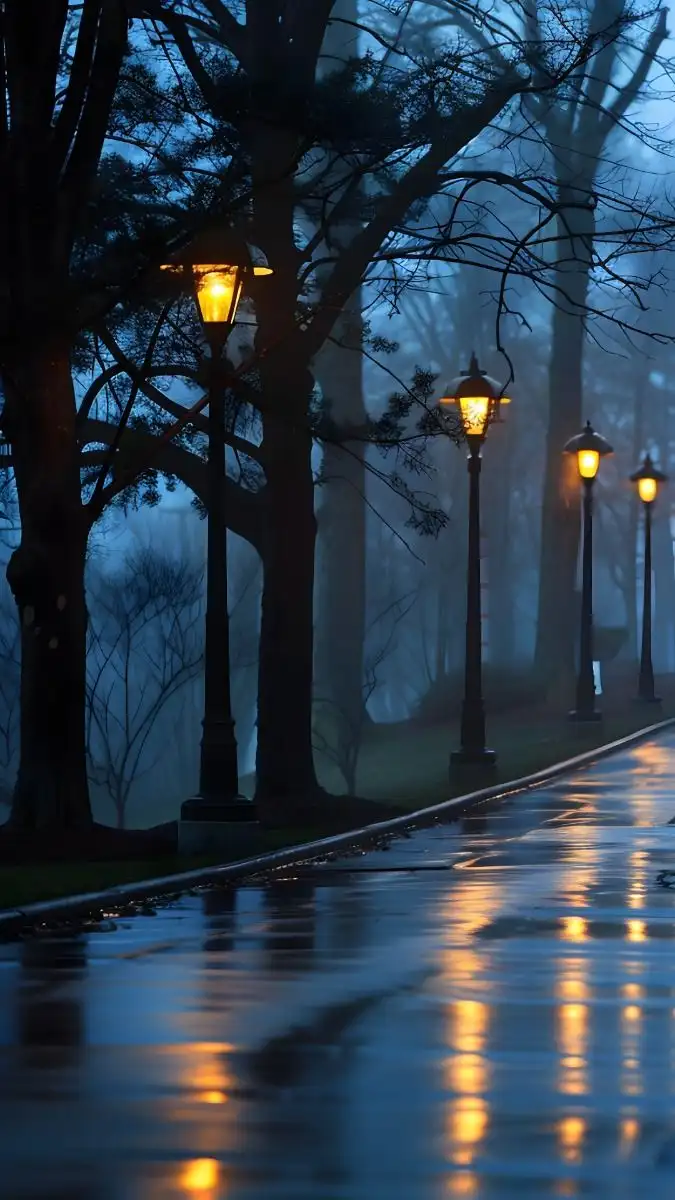
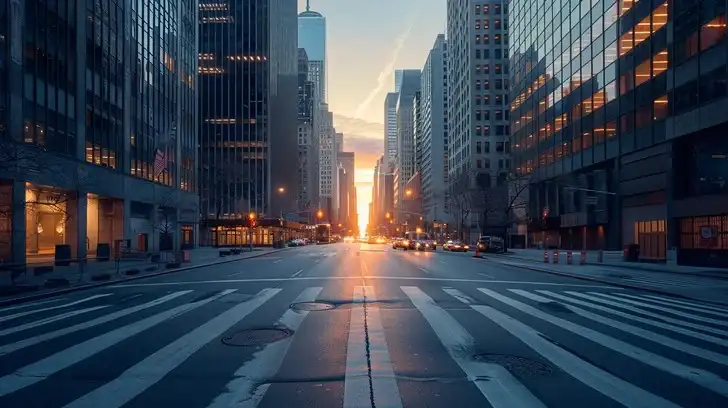
it lands in your archive.
Search by caption or place. Filter by month or album. Tap any tile to open the detail view — share, export a reveal reel, or add it to an album.
small app.
big rectangle energy.
daily prompt
A Wordle-shaped nudge. One screengram a day, one shared question.
reveal reels
Export a tiny video where the room dissolves to reveal the screenshot. 1080×1920, h.264.
widget + share sheet
Latest screengram on your home screen. Send a screenshot in from anywhere.
private, searchable
No feed. No cloud. Lives on your phone — search by caption, place, or month.
"I have 4,000 screenshots in my camera roll. I remember three of them. This fixes that."
"It's like a diary that mostly draws itself."
"Finally a use for the back camera that isn't pretending to be a photographer."
screengram something.
The TestFlight is open. iOS 17+. Free. No account.